ZEK-01 ESP32
Starter Kit Tutorials
Small Components. Big First Steps.
Your path from a blinking LED to a connected project. Get to know your kit, explore each component, and build your confidence one experiment at a time.
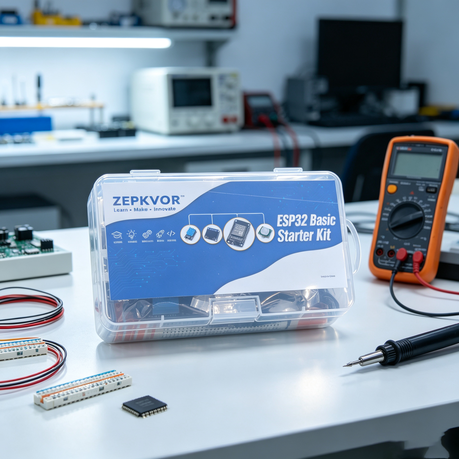
One Kit.
A New Way To Learn.
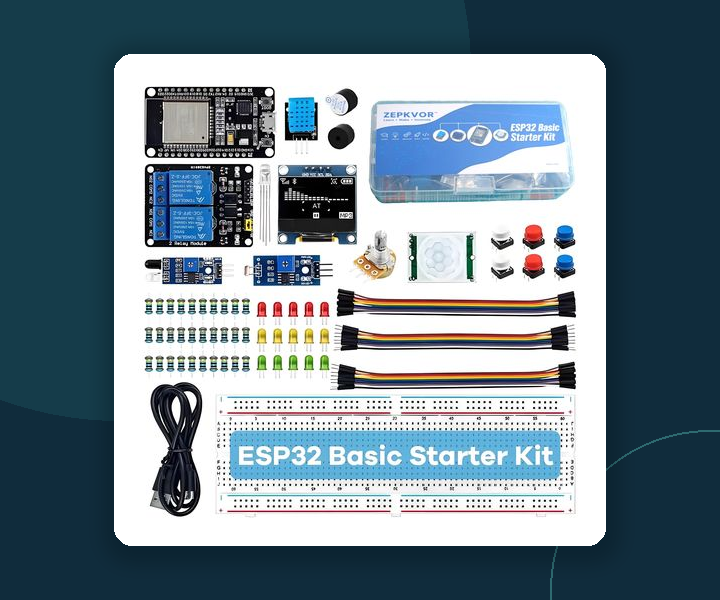
Start with the essentials, then bring your components together. This course follows a practical progression from simple circuits to sensing, display, and local Wi-Fi projects.
Choose Your Next Step.
Four focused modules and twelve planned experiments. Start with Experiment 01; the remaining lesson pages are in preparation.
A Little Preparation.
A Smoother First Build.
Keep your kit nearby and give yourself space to experiment.
Back To The Learning Path ↑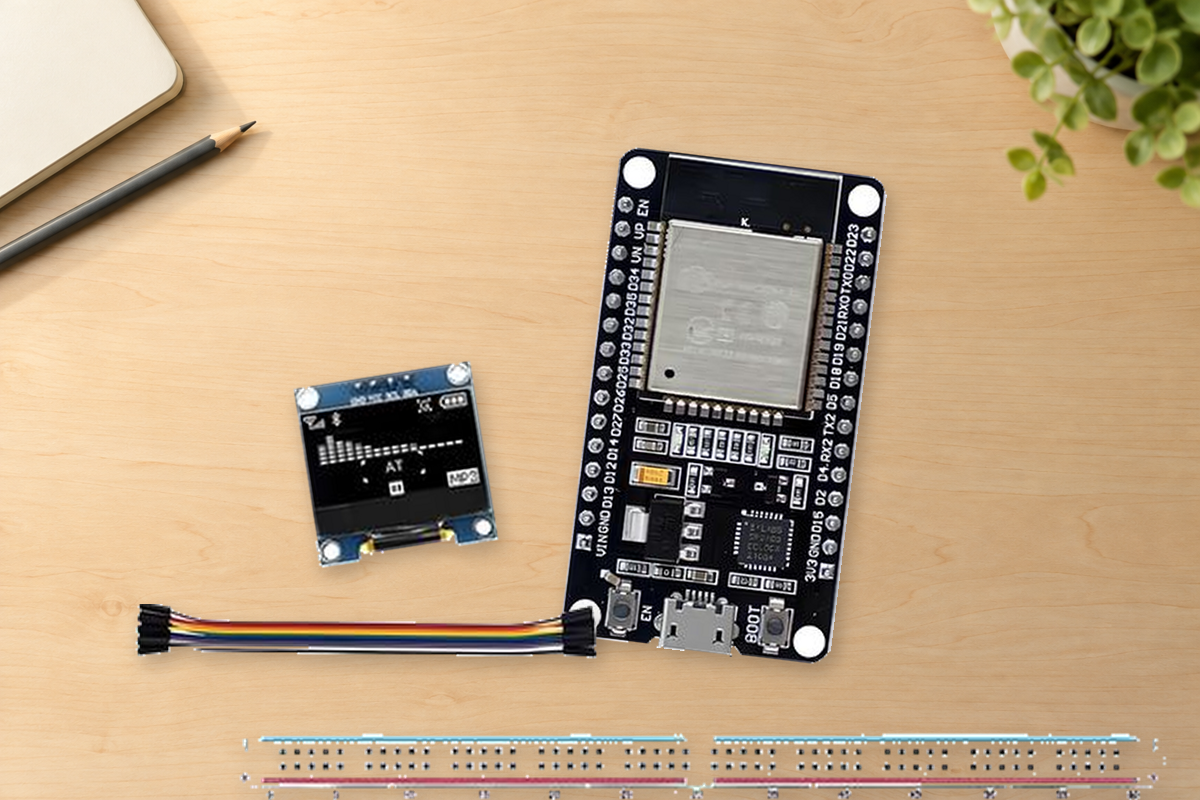
Your ZEK-01 Kit
Check the parts against the kit list and identify your ESP32 board.
A Computer & USB Connection
Use a compatible computer and a USB cable capable of transferring data.
A Clear, Unpowered Workspace
Disconnect power before changing wires. Relay lessons use low-voltage demonstrations only.
Wi-Fi For The Networking Lessons
Prepare a local network and a phone or computer with a web browser.
ZEK01-P02|请拍当前 ZEK-01 主板、面包板和 LED 的完整连接。
建议从正上方拍摄,光线均匀;需要看清主板引脚名称、LED 极性、限流电阻及每根线在面包板上的插孔。See The Wiring.
Understand The Result.
Each lesson is planned around a parts list, clear wiring photos, explained code, expected results, and a practical challenge.
- Step-by-step connections
- Code with explanations
- Checks when something goes wrong
A Question Is A Good Place To Start.
Check the troubleshooting section in your lesson, or get in touch with Zepkvor.